
How to Track the Status of Your BDO Transfer
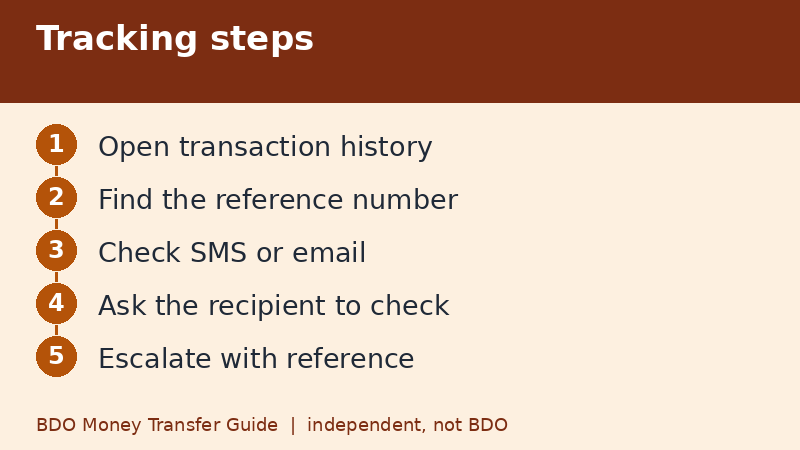
Start with the transaction history inside BDO Online or BDO Pay, where a transfer should show as completed, pending, or failed, together with a reference number. Then check your SMS or email notices and ask the recipient to look at their own app. Keep the reference number, because it is the first thing BDO or the receiving bank will ask for if you need help.
Last checked: November 9, 2026. This independent guide is not BDO.
Step one: your own transaction history
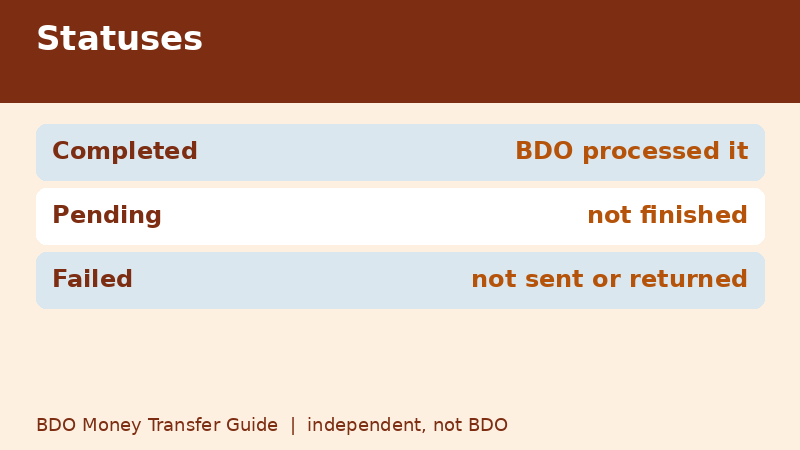
Open the app and look for your transaction history or recent activity. Find the transfer by amount and time. A completed status means BDO's side processed it. A failed status normally means the money did not leave your account, or that it will be returned. A pending status means the transfer has not finished, which is common for PESONet after the cut-off.
Menu names change between app versions, so follow the labels on your own screen. If you cannot find the history, look for a menu about transactions, statements, or activity.
Step two: the reference number and receipt
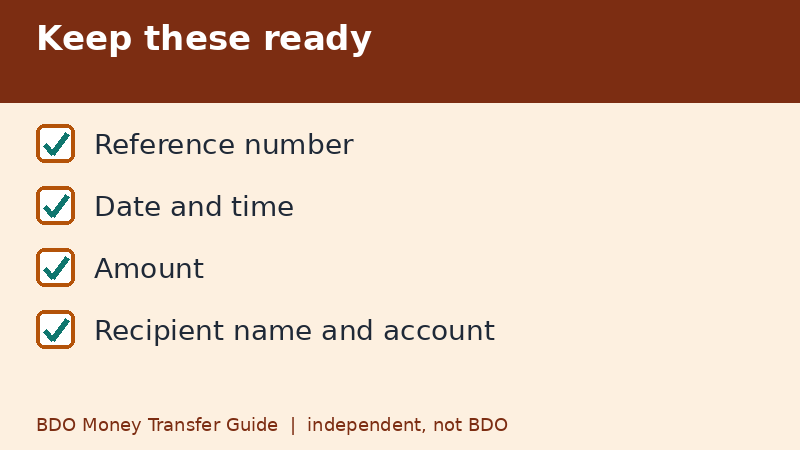
Every transfer should produce a confirmation screen with a reference number. Take a screenshot while it is on screen. If you missed it, the history entry often shows it. When you contact BDO, the receiving bank, or the wallet, give the reference number, the date and time, the amount, and the recipient's name and account number. Never send your passcode or OTP to anyone who asks for it while helping you.
Step three: notices and balance
- Check SMS or email notifications you have enabled for transactions.
- Compare your balance before and after the transfer.
- Check whether any amount is on hold or returned later.
A transfer that looks missing may simply be delayed. A balance that dropped but a history that shows failed may be a temporary hold that clears when the reversal completes.
Step four: ask the recipient to check
The recipient can look at their transaction list and their notifications. Ask for a screenshot rather than a verbal answer, so you can compare the amount and time. Some wallets and banks show credits under the sender's bank name or a short code instead of your name, so ask them to search by amount.
What each route usually looks like
| Route | What to expect |
|---|---|
| BDO to BDO | Real-time credit on both sides |
| InstaPay | Real-time, with a completed status in moments |
| PESONet | Accepted first, credited after processing |
| Wire from a USD account | 3 to 5 days of processing, per BDO's page |
When to escalate
- If your history shows completed but the recipient sees nothing after a reasonable time, ask them to contact their bank or wallet with your reference number.
- If your history shows failed and your balance did not return, contact BDO through its official channels with the reference number.
- For a wire, ask BDO whether it can provide a reference or a trace for the payment, and what details the receiving bank needs.
- If the bank does not resolve a complaint, you can ask about the Bangko Sentral ng Pilipinas consumer assistance channels, usually after raising the issue with the bank first.
Use only contact details from BDO's official website or app. Search results can show fake numbers.
What not to do
- Do not send the same amount again until you know the first one failed.
- Do not give your OTP or passcode to a caller, even if they quote your transfer details.
- Do not trust someone who messages you a link to track the transfer.
A template for asking for help
When you contact a bank or wallet about a missing transfer, a short, complete message helps. Include the date and time, the amount, the route such as InstaPay or PESONet, the reference number, the sender and recipient names, and the status you see in your history. Add that you have not retried the transfer. A message like that gets a faster and more accurate reply than a long story.
Keep a note of the date you contacted them and the name or ticket number you were given.
Quick recap
- Start with your transaction history.
- Save the reference number.
- Check SMS or email notices.
- Ask the recipient for a screenshot.
- Escalate through official channels.
Keeping your tracking simple
You do not need a spreadsheet. A simple note with date, amount, route, reference number, and recipient is enough for most people. For payments that matter, such as tuition or rent, add the expected arrival day and tick it off when the recipient confirms. That tiny habit also helps at tax time and when you review your monthly spending.
Frequently asked questions
Where do I find my BDO transfer reference number?
On the confirmation screen right after you approve, and usually in the transaction history entry.
Why is my transfer pending?
A PESONet transfer sent after 3:00 PM or on a weekend waits for the next banking day. Other pending cases need a check with the bank.
Can the recipient see my reference number?
They may see their own reference. Compare amount and time, and share your reference when asking for help.
Who do I contact if the transfer is missing?
Use BDO's official contact channels from its website or app, and give your reference number.
How long should I wait before escalating?
For real-time routes, a short wait is reasonable. For PESONet, wait through the next banking day. For wires, allow the processing period.
Related guides
- BDO Unable to Send Money? Checks to Run Before You Retry
- Sent BDO Money to the Wrong Account? What to Do Now
- BDO Money Transfer to Another Bank: Steps and Limits
Back to the full guide: BDO Money Transfer: Fees, Limits, Other Banks & Overseas