
BDO Money Transfer Scams: Warning Signs and Safe Habits
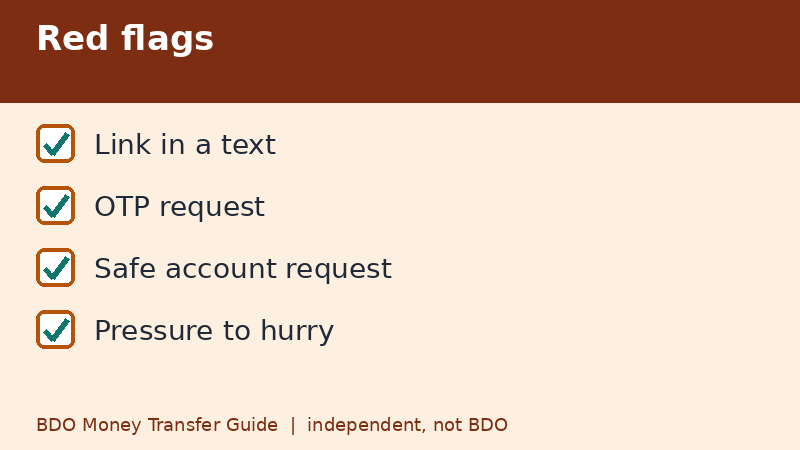
The simplest rule is this: a real bank will not ask you to move money to a safe account, will not ask for your OTP, and will not send you a text with a link to log in. BDO's security pages say its text messages do not contain links, and that scam messages should be reported through its official channels. If you are being rushed, stop and verify.
Last checked: November 9, 2026. This independent guide is not BDO.
Warning signs
- A text or email with a link, claiming your account is locked or you won a reward.
- A caller claiming to be from the bank who asks for your OTP, passcode, or card details.
- Someone telling you to move your money to a safe account.
- A stranger asking you to send a small amount to unlock a prize, loan, or job.
- A QR code sent by someone who says it will pay you.
- Pressure to act immediately and not tell anyone.
Why transfers are the target
Real-time transfers like InstaPay are fast, and fast means hard to reverse. Scammers know that if they can persuade you to approve a transfer yourself, the bank's security checks may pass, because it is your own approval. That is why the usual rule is that you should never approve something you did not start.
What a real bank does not ask
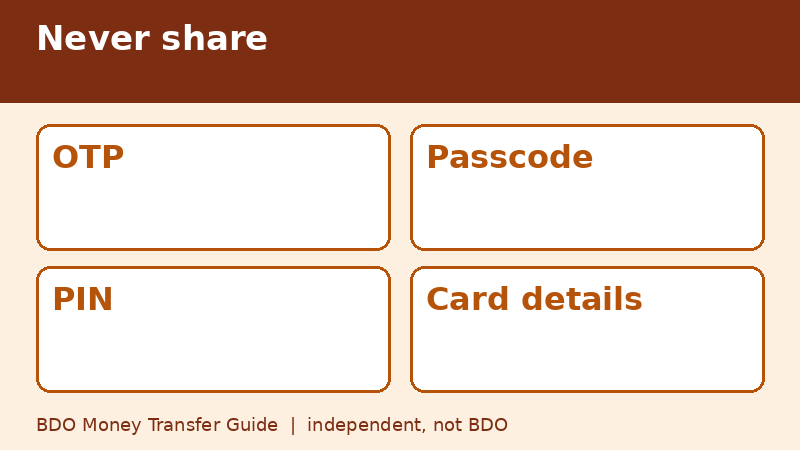
- Your OTP, passcode, or PIN.
- To transfer funds to a different account for safekeeping.
- To click a link in a text to verify your account.
- To install a remote-control app on your phone.
If anyone asks for these, hang up and use the official contact details in the app or on the bank's website.
Safe habits for transfers
- Install apps only from official stores.
- Turn on transaction alerts so you see activity quickly.
- Send a small test amount to a new recipient.
- Check the recipient's name on the confirmation screen.
- Keep your phone locked and your device bound only to you.
- Do not use public Wi-Fi for banking when you can avoid it.
QR code tricks
Remember that receiving money never needs you to scan a code or approve a payment. If someone says they will pay you if you scan their QR, it is a trick. In shops, check that the name shown after scanning matches the business, and be careful with stickers placed over the shop's own QR code.
If you already sent money
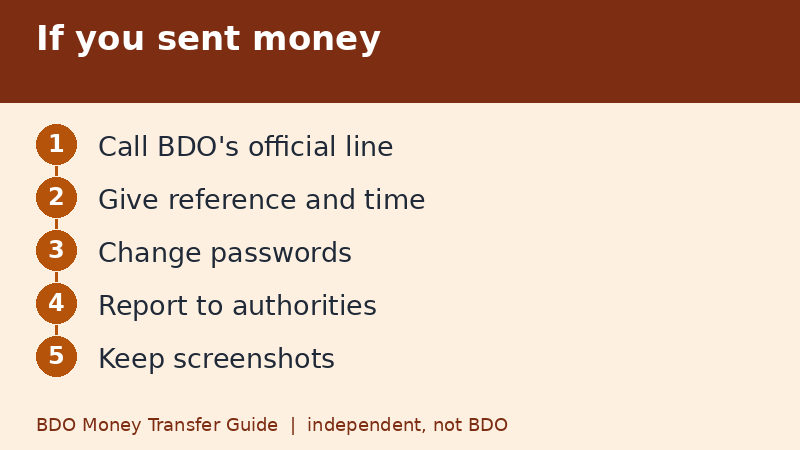
- Contact BDO through its official channels right away.
- Give the reference number, amount, time, and the destination account.
- Change your passwords and check your device for unknown apps.
- Report to the authorities. A national anti-scam hotline at 1326 has been reported for the Philippines, but check current official sources.
- Keep screenshots of messages and call logs.
How to report scam messages
BDO's security pages have listed channels for reporting phishing emails and forwarding scam texts. Contact details can change, so open BDO's website yourself and look for its security or advisories section instead of using a number or link you received in a message.
Talking to family about scams
Scams often target parents and grandparents who use banking apps for the first time. Sit down with them and agree on a simple rule: never approve a transfer you did not start, and always call a family member before sending money to someone new. Show them where the official contact details are in the app. A five-minute talk is worth more than any warning poster.
A short script for suspicious calls
If a caller says they are from the bank and sounds urgent, you can say, "I will call you back using the number in my banking app." Then hang up. A genuine caller will not mind. A scammer will keep pushing, which tells you everything you need to know. Never read an OTP out loud to anyone, including someone who knows your name and address, because details like those are often taken from leaked data.
Keep your phone clean
- Remove apps you do not recognize, especially ones that offer remote control.
- Do not tap links in unexpected messages, even if they look like they come from a known number.
- Review the devices linked to your banking account when the app allows it.
Quick recap
- No real bank asks for your OTP.
- No safe account transfers.
- Be wary of links in texts.
- Never scan to receive money.
- Report quickly through official channels.
Frequently asked questions
Does BDO send text messages with links?
BDO's security pages say its text messages do not contain links. Treat links in texts as suspicious.
Will BDO ask for my OTP?
No. Never share your OTP with anyone.
What is a safe account scam?
A caller says your account is at risk and tells you to move money to a safe account. It is fraud.
Where do I report a scam?
Use BDO's official channels, and consider the national anti-scam hotline reported as 1326 after checking current sources.
What if I clicked a link?
Close the page, do not enter details, change your passwords, check your accounts, and contact BDO through official channels.
Related guides
- How to Track a BDO Money Transfer: Status and Reference
- BDO Unable to Send Money? Checks to Run Before You Retry
- BDO Money Transfer From Abroad: Remittance Basics
Back to the full guide: BDO Money Transfer: Fees, Limits, Other Banks & Overseas