
BDO to Maya Transfer: Steps, Limits and Naming Tips
You can move money from BDO to Maya by choosing the bank-to-wallet option in BDO Online or BDO Pay and sending through InstaPay, which allows ₱100 to ₱50,000 per transaction. BDO's page, checked on November 9, 2026, lists InstaPay as free. The part that trips people up is not the steps. It is the name: Maya used to be called PayMaya, and the wallet is not the same thing as Maya Bank.
Last checked: November 9, 2026. This independent guide is not BDO.
PayMaya, Maya, and Maya Bank in one minute
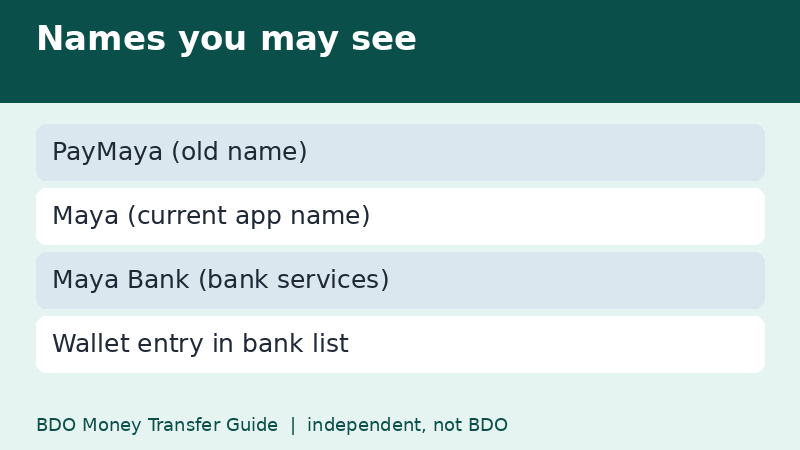
PayMaya rebranded to Maya in May 2022. The e-wallet is run by Maya Philippines, while the bank services come from Maya Bank, which you use inside the same app once you upgrade. When you send from BDO, you are normally sending to the wallet side, so you pick the wallet's entry in the bank list, not a separate bank account.
Older tutorials still use the PayMaya name and some mention methods that no longer exist. If a guide tells you to use a bills-payment trick from years ago, skip it and use the current transfer menu.
Step by step from BDO
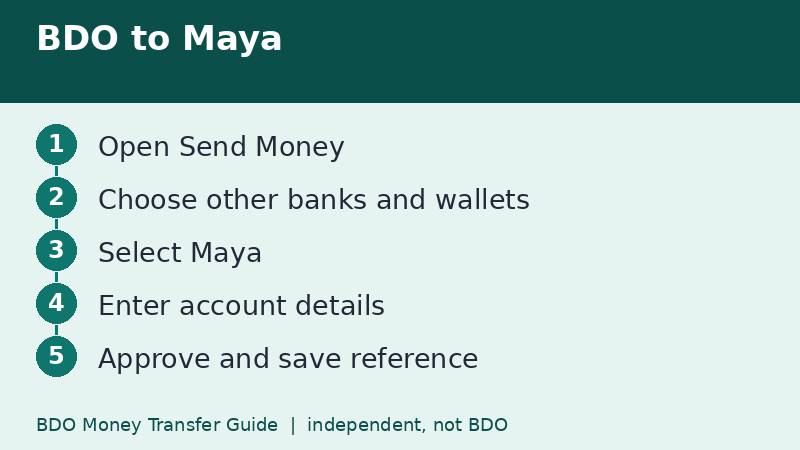
- Log in to BDO Online or BDO Pay and tap Send Money.
- Choose other banks and e-wallets as the destination.
- Pick InstaPay as the channel if the app asks.
- Select Maya from the list. It may be shown under its registered operating name instead of the app name.
- Enter the Maya account number or mobile number, the account name, and the amount.
- Review the screen and approve with your passcode, biometrics, or OTP.
- Save the reference number and check your Maya balance.
The other direction: starting inside Maya
Maya also lets you add money by choosing a bank inside its own app. In that flow you are sent to BDO to log in and approve, and the money moves from your BDO account into the wallet. This can be handy if you prefer to stay in one app, but limits and fees are then set by the Maya side, so read what the screen says.
Because the two directions follow different rules, compare the numbers on both screens instead of assuming they match.
Limits you should keep in mind
At BDO, an InstaPay transfer needs at least ₱100 and cannot exceed ₱50,000, and the shared daily limit is ₱100,000. On the wallet side, your Maya account tier controls how much the wallet can hold and receive. If you plan a large top-up, check the wallet's own limit page first, then decide how many transfers you will need across days.
A small test before a big top-up
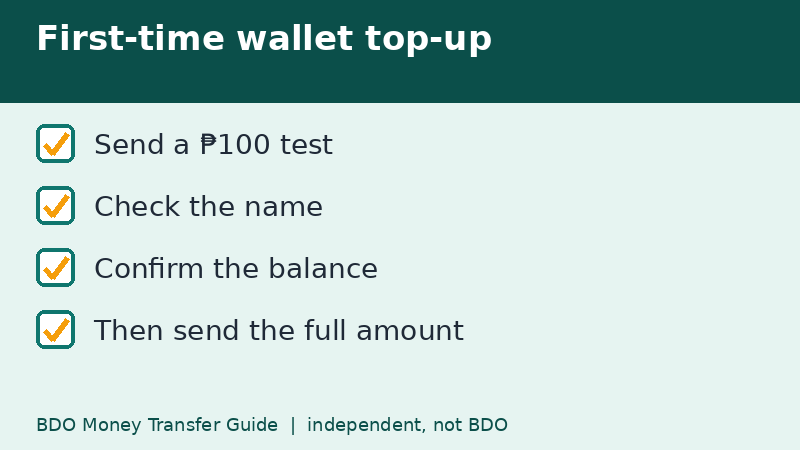
If this is your first transfer to a new wallet number, send ₱100 or ₱200 first. Confirm that it lands in the right account and that the name matched. Then send the real amount. It costs a minute and saves a lot of stress, especially for payments to sellers you met online.
Cost: what changed in 2026
On July 9, 2026 BDO announced that InstaPay and PESONet are free on BDO Online and BDO Pay. In the same weeks, several wallets and banks reduced their own transfer fees after Circular 1238 took effect on July 4. Articles that quote ₱10 or ₱15 for a wallet transfer may be describing the earlier prices. Whatever you read online, your own summary screen is the final reference.
Troubleshooting a missing transfer
- Check BDO's transaction history for a completed status.
- If it is completed, search the Maya transaction list for the same amount and time.
- Look at the SMS or email notices on both sides.
- If neither side shows the transfer, wait for the bank's normal reversal window and contact the official support channels with the reference number.
Our page on tracking a BDO transfer walks through this in more detail.
Wallet or bank: how to decide what you need
If you only need to pay online sellers and bills, a wallet top-up from BDO is enough. If you want to keep savings and use features of the bank side of Maya, check the app and read the terms before moving large amounts. In either case, remember that the money you send from BDO lands where the transfer entry points, so double-check that the entry you choose is the wallet you actually use.
Keeping your records tidy helps. Write the reference number and the amount in a note in your phone when you send a large top-up.
Quick recap
- Maya was PayMaya until 2022.
- Pick the wallet entry in the bank list.
- InstaPay range: ₱100 to ₱50,000 per transaction.
- Send a small test before a large top-up.
- Compare limits on both the BDO and Maya screens.
Frequently asked questions
Is Maya the same as PayMaya?
Yes. PayMaya was renamed Maya in 2022. Old guides may still say PayMaya.
Do I choose Maya Bank or the Maya wallet?
For a normal top-up, choose the wallet entry shown in the bank list. If you are unsure, ask what your Maya app shows as its account details.
What is the maximum per transfer?
BDO's InstaPay maximum is ₱50,000 per transaction, and the wallet's own limits also apply.
Can I add money to Maya from inside the Maya app instead?
Yes, Maya has its own bank cash-in flow. Its limits and fees follow Maya's rules, so read the screen before you approve.
Related guides
- BDO Money Transfer With BDO Pay: Send, Scan and Save
- BDO Money Transfer to an International Bank: Wire Guide
- BDO InstaPay vs PESONet: Which Should You Use?
Back to the full guide: BDO Money Transfer: Fees, Limits, Other Banks & Overseas